

In today’s digital world, WordPress powers over 40% of all websites, making it the most widely used content management system (CMS) globally. From personal blogs to large business websites, WordPress offers a flexible, scalable, and cost-effective way to build websites that look professional and perform seamlessly.
So, what exactly is website development on WordPress, and how does it work? How can you create a website that not only looks great but also achieves your business goals? In this complete beginner guide, we’ll break down what is WordPress website development, covering the tools, processes, costs, and best practices you need to know to launch a successful online presence.
What is WordPress Website Development?
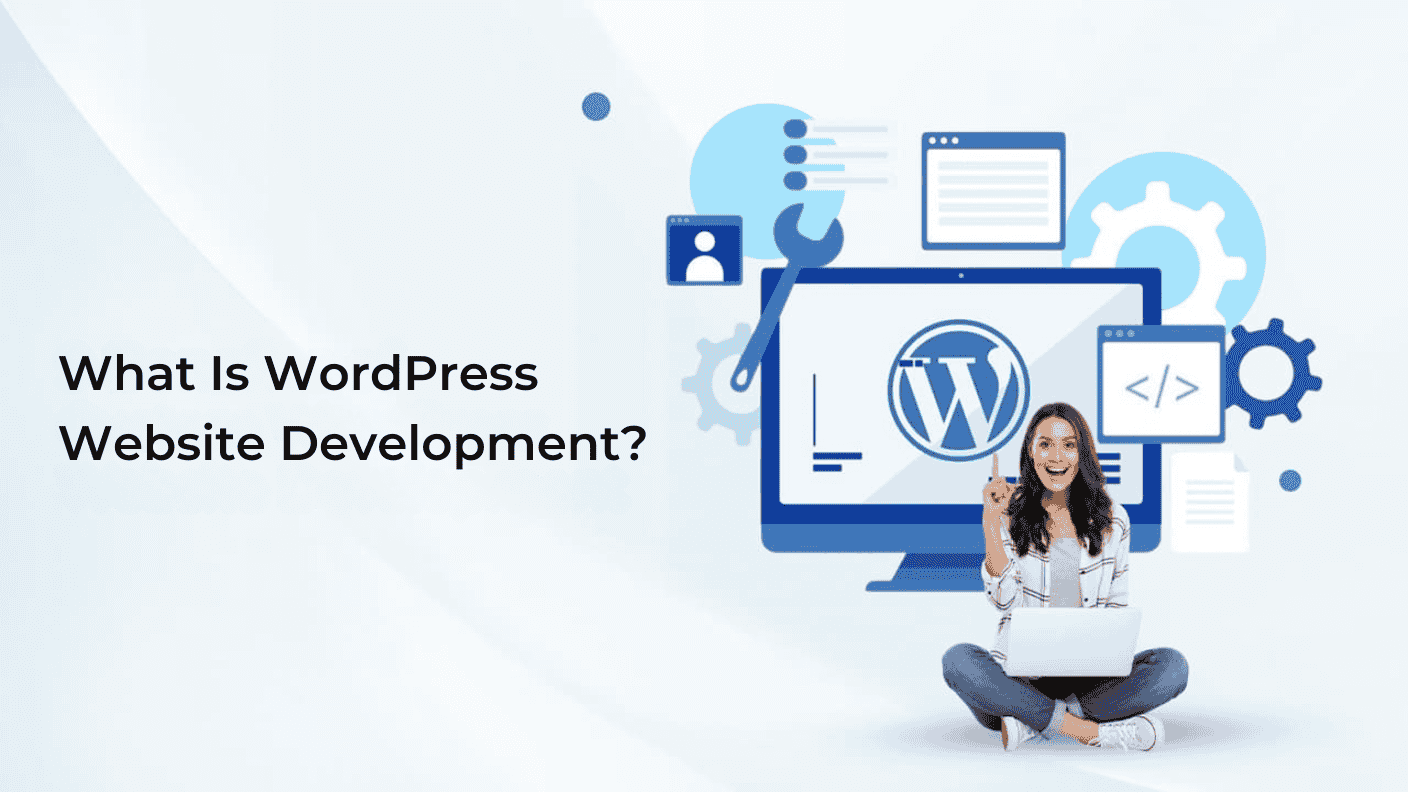
WordPress website development is the process of creating, designing, and maintaining websites using the WordPress CMS platform. Unlike a simple site setup where you just pick a theme and add content, WordPress development often involves customization, functionality enhancements, and integration with third-party tools to deliver a professional and fully functional website.
There are two main types of WordPress website development:
- Custom Development – Creating tailored solutions that meet specific business requirements, including custom themes, plugins, and integrations.
- Template-Based Development – Using pre-built themes and plugins with minimal customization for faster deployment.
When you hire a WordPress website development company in the USA or elsewhere, they typically offer services that range from basic setup to full-scale custom solutions that align with your business objectives.
Benefits of WordPress Website Development
Building your website on WordPress comes with several advantages that make it ideal for beginners and professional developers alike.
- User-friendly and flexible: WordPress is known for its intuitive interface, allowing both developers and non-technical users to manage website content easily.
- SEO-friendly: WordPress has built-in SEO tools and plugins like Yoast SEO, which help your website rank better on search engines.
- Cost-effective: With options like affordable WordPress website development, businesses can build a professional site without breaking the bank.
- Highly scalable: WordPress can handle anything from small blogs to enterprise-level websites with thousands of pages.
- Extensive plugin ecosystem: With thousands of plugins available, you can enhance functionality, adding ecommerce, membership, SEO, analytics, and more.
- Strong community support: WordPress is open-source, meaning you have access to a global community for support, updates, and security improvements.
For businesses looking for best WordPress development services for custom business websites, WordPress offers unmatched flexibility and long-term scalability.
How WordPress Websites Work?
A WordPress website works by combining the WordPress core CMS with themes, plugins, and a database to create a dynamic, customizable online presence. Here’s a breakdown of its key components and how they function together:

Frontend (User Interface)
The frontend is everything your visitors see when they visit your website—the design, navigation menus, pages, and content. Themes control the overall look and feel, while page builders like Elementor or Gutenberg make it easy to customize layouts without coding. A well-designed frontend ensures a smooth and engaging user experience.
Backend (Admin Panel)
The backend, or WordPress dashboard, is where website owners and developers manage content, settings, and functionality. From adding new pages to adjusting site settings, the backend allows you to control your website. Developers can also customize the backend to improve performance or add advanced features.
Database
WordPress stores all content, settings, and user information in a database. This allows content to be retrieved dynamically and displayed on the website efficiently. The database is the backbone of your website, ensuring data is organized and accessible when needed.
Plugins & Integrations
Plugins are add-ons that extend the functionality of your WordPress website. For example, WooCommerce adds ecommerce capabilities, while SEO plugins like Yoast help optimize your content. Integrations with tools like email marketing platforms or payment gateways further enhance your website’s capabilities.
Hosting & Domain
Your WordPress website lives on a hosting server and is accessed through a domain name. Choosing reliable hosting ensures your site loads quickly, stays secure, and can handle traffic spikes, which is critical for maintaining a smooth user experience.
Understanding how these elements work together is essential for anyone planning WordPress website development, as it helps you build a site that’s efficient, scalable, and easy to manage.
WordPress Website Development Process
Understanding how to develop a WordPress website requires following a clear, structured process. This ensures your site is functional, user-friendly, and optimized for growth. Here’s a step-by-step guide:
Step 1: Planning and Strategy
Start by defining your website goals and identifying your target audience. Plan the site structure, including the pages, navigation menus, and content strategy. Proper planning ensures a website that aligns with your business objectives and provides a smooth user experience.
Step 2: Domain and Hosting Setup
Choose a reliable hosting provider to ensure your website is fast, secure, and scalable. Register a domain name that reflects your brand and is easy for users to remember. Both hosting and domain setup are critical first steps in how to develop a WordPress website.
Step 3: WordPress Installation
Install the WordPress CMS on your hosting server and configure essential settings like site title, timezone, and permalink structure. WordPress installation lays the foundation for your website’s functionality and customization.
Step 4: Theme and Design Customization
Select a theme that matches your website goals or build a custom one. Customize layout, colors, fonts, and branding elements to create a visually appealing and professional website. Themes control the design, while customization ensures your site reflects your unique brand identity.
Step 5: Plugin Installation
Install essential plugins to add functionality to your website. Common plugins include SEO tools, security enhancements, contact forms, analytics, and ecommerce solutions like WooCommerce. Plugins make it easy to expand your website’s capabilities without coding.
Step 6: Content Creation
Add content to your website, including pages, posts, images, videos, and other media. Optimize your content for SEO with proper headings, keywords, and metadata to attract and engage your audience. High-quality content is key to driving traffic and conversions.
Step 7: Testing and Launch
Before going live, test your website thoroughly. Check functionality, responsiveness across devices, page speed, and security measures. Fix any errors and ensure all features work smoothly. Once ready, launch your website to make it accessible to visitors.
Step 8: Maintenance and Updates
Regularly update the WordPress core, themes, and plugins to ensure security and optimal performance. Monitor website speed, fix bugs, and implement improvements over time. Continuous maintenance keeps your website reliable and ready for growth.
Following these steps provides a complete roadmap for how to develop a WordPress website effectively, whether for personal projects, blogs, or business websites. This structured approach helps ensure your site is functional, secure, and capable of delivering a great user experience.
Essential Features Every WordPress Website Should Have
To create a high-performing website, consider integrating these essential features:
- Mobile Responsiveness – Ensure your site works seamlessly on all devices
- SEO Optimization – Use plugins and proper content structure
- Security Measures – SSL, backups, and firewalls
- Fast Loading Speed – Optimize images and caching
- Contact Forms & Social Media Integration – Enhance communication and engagement
- Analytics & Tracking – Monitor traffic and user behavior
These features are typically included in affordable WordPress website development services to deliver a professional, reliable website.
Popular WordPress Development Tools & Platforms
Building a robust WordPress website is easier with the right tools and platforms. Here are some of the most popular options used by developers and businesses:
| Tool / Platform | Description |
| Elementor & Divi | Drag-and-drop page builders that allow easy design customization without coding. Perfect for creating visually appealing layouts quickly. |
| WooCommerce | Transforms a WordPress website into a fully functional online store, supporting products, payments, and inventory management. |
| Yoast SEO & RankMath | SEO plugins that help optimize content, meta tags, and website structure to improve search engine rankings. |
| Jetpack | Offers security features, site backups, performance optimization, and other essential enhancements for WordPress websites. |
| Custom WordPress Development | Professional developers create unique themes and functionality tailored to business needs, providing maximum flexibility and scalability. |
WordPress Website Development Cost
The WordPress website development cost can vary widely depending on your website’s complexity, design, and functionality. While the WordPress software itself is free and open-source, additional expenses like hosting, domains, themes, plugins, and professional development can add up. Understanding these costs helps you plan your budget effectively.
Key Cost Factors
- Core Software: WordPress CMS is free for both beginners and professionals.
- Hosting & Domain: Essential for self-hosted sites (WordPress.org), with hosting typically ranging from $2 to $20+ per month and domain names around $10–$20 per year.
- Themes (Design): Free themes are available, but premium themes can cost $50–$100+ annually. Custom designs will increase costs further.
- Plugins (Features): Many plugins are free, but advanced features like SEO, forms, or WooCommerce for ecommerce can cost $50–$200+ per year.
- Development/Design Expertise: DIY setups are the cheapest, while hiring a professional WordPress website development company in the USA can range from hundreds to thousands of dollars depending on complexity.
Many businesses also explore WordPress website development packages, which bundle hosting, design, plugins, and support for a predictable cost. By understanding the WordPress website development cost, you can choose the right approach, DIY, semi-custom, or fully professional, based on your goals and budget.
How to Choose the Right WordPress Website Development Company?
Choosing the right WordPress website development company is essential for creating a site that’s functional, secure, and scalable. When evaluating potential partners, consider their experience and portfolio, look for proven expertise in building custom WordPress websites. Technical skills are also crucial, especially for delivering advanced functionality, performance optimization, and robust security.
Post-launch support and maintenance are equally important to handle updates, troubleshooting, and ongoing improvements. Transparent pricing ensures you understand package offerings and avoid hidden costs, while client reviews and testimonials help verify credibility and reliability.
One trusted provider is Codexova, a professional WordPress development company in the USA. Codexova guides businesses through every step of the website development process, from design and customization to SEO optimization and long-term maintenance, helping you launch a WordPress website that performs and grows with your business.
Final Thoughts
WordPress website development is more than just creating a website—it’s about building a scalable, functional, and visually appealing digital presence. From understanding the core components to following a structured WordPress website development process, and choosing the right company or development package, every step matters.
Whether you are exploring affordable WordPress website development options, planning custom solutions, or comparing WordPress website development packages, the key is to focus on quality, user experience, and long-term growth.
With the right approach, WordPress can empower your business to reach more customers, improve engagement, and achieve your online goals efficiently.